Age Restricted Twitter Video Downloader

Twitter MP3 Hashtags

#AgeRestrictedTwitterVideoDownloader #TwitterVideoDownload #xdownloader #DownloadTwitterVideos #AgeRestrictedContent #SensitiveContentDownloader #BypassAgeRestriction
Loading video information...
Uploader:
Published:
Duration
Reposts
Likes

In the space of X (Twitter) age restricted content adds a layer of exclusivity and privacy to sensitive post videos, including those with mature themes, nudity, violence, or explicit material. However, accessing and downloading those videos can be tricky due to platform restrictions, especially if you’re not logged in or haven’t verified your age. Here xdownloader.io for you ultimate free platform for downloading age restricted Twitter videos in HD quality without hassle. Whether you are preserving memorable clips or archiving content for offline viewing, our tool bypasses barriers seamlessly.

How to View Age Restricted Content on Twitter

If you have an account, viewing is straightforward ensure you’re 18+ and adjust settings:

1. Log in to X on web or app in you device.
2. Go to Settings > Privacy and Safety > Content You See.
3. Toggle on Display media that may contain sensitive content.
Under search settings, hide sensitive content if needed, or enable for full access.
Refresh your feed restricted videos should now play unblurred.

For mobile: Tap your profile > Settings and Privacy > Content Preferences > Enable toggles for Adult Content and Graphic Violence.

Without an account, stick to the solutions above. Pro tip: Use xdownloader.io to download once viewed, as X doesn’t natively support video saves for restricted media.


Download Age Restricted Twitter Video with These 3 Easy Steps:

Paste URL Icon
1. Copy Video Link

Open X (Twitter) in your browser or app. Find the age restricted video post and copy its URL using the provided options above.

Video Fetch Icon
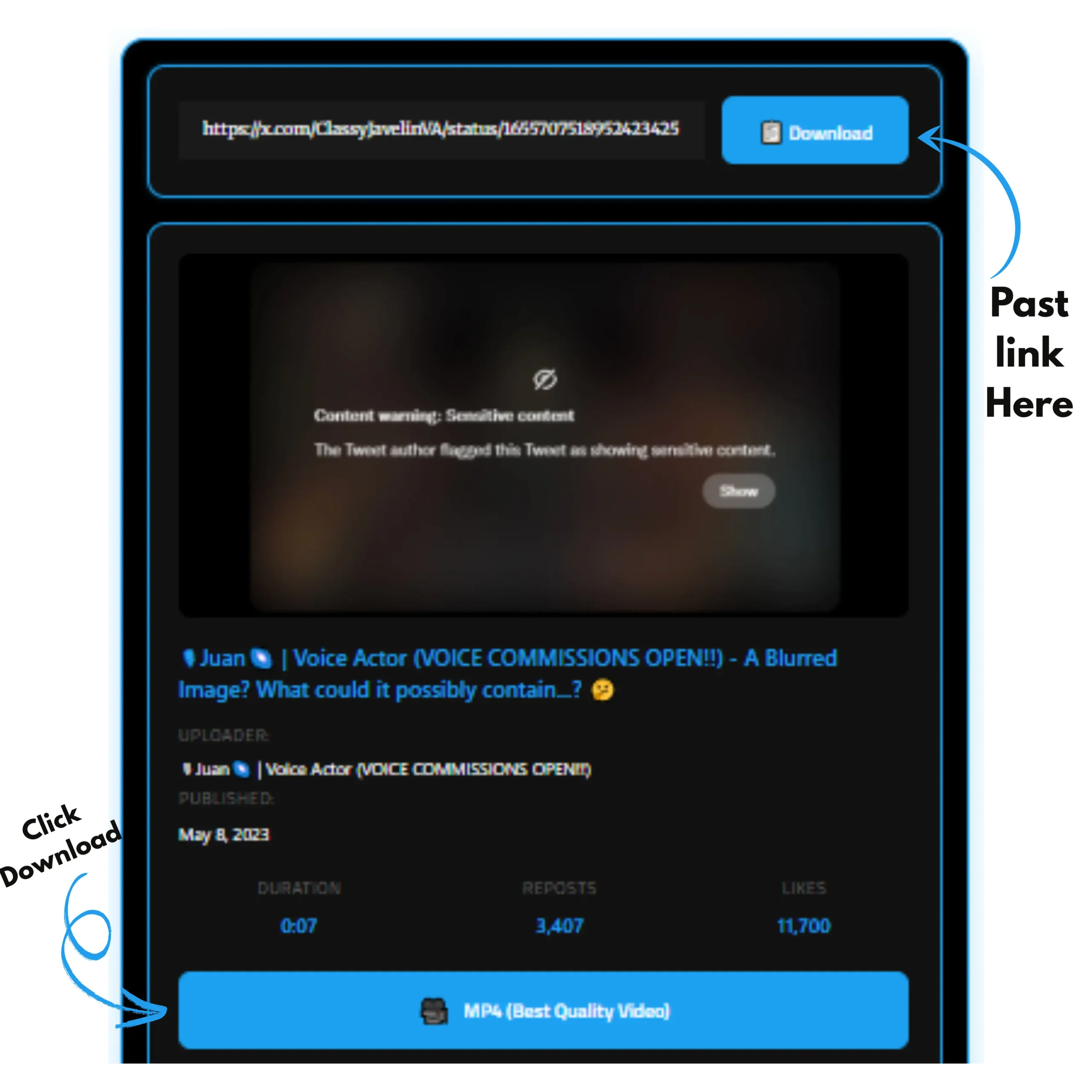
2. Paste the Link

Visit xdownloader.io, paste the copied URL into the input box, and click Download. Our tool will process the link and bypass any restrictions.

Download Icon
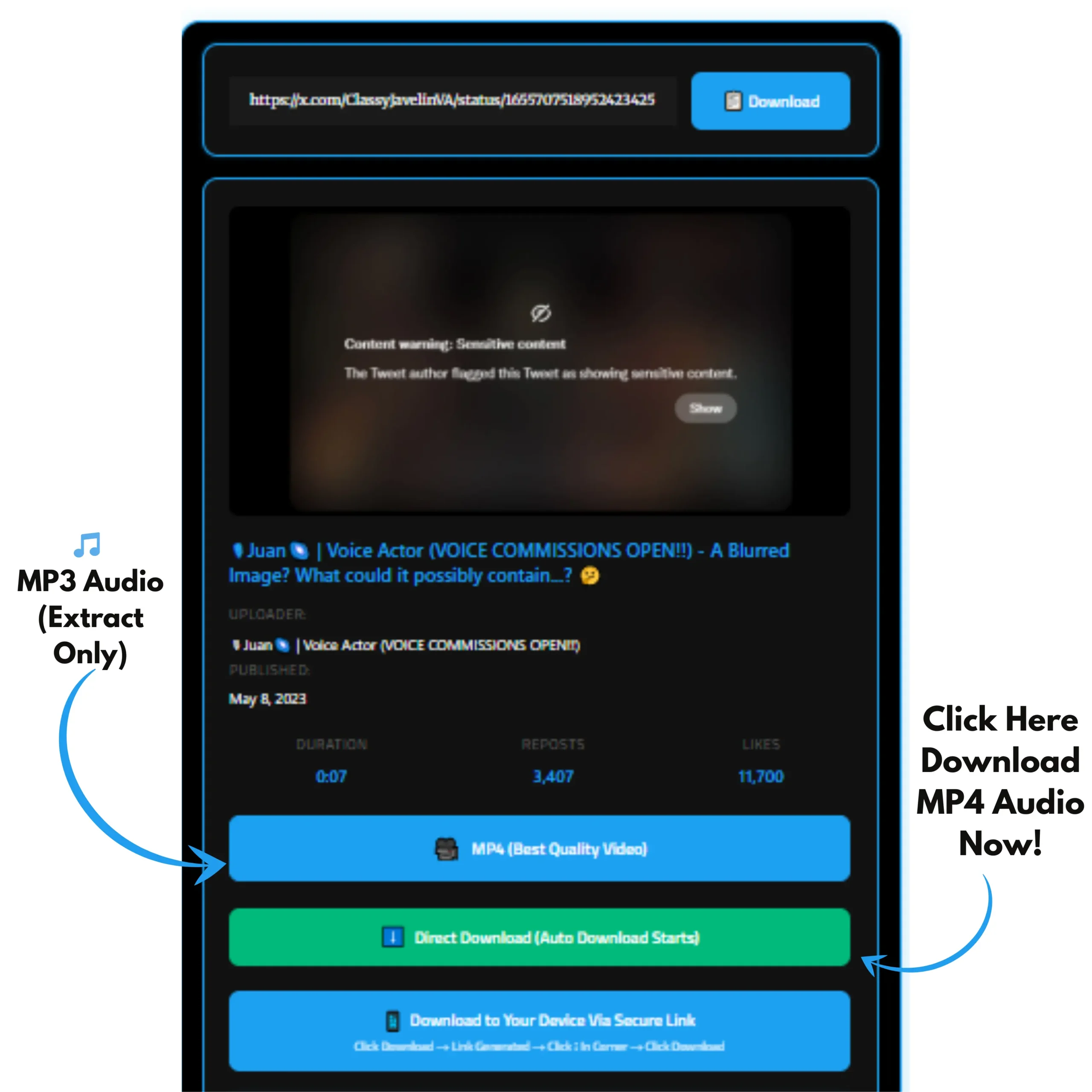
3. Save Video Instantly

Choose your desired video quality (e.g: 720p, 1080p) and click the download button. The video will be saved to your device library instantly.

Can You View Age Restricted Content on Twitter Without an Account?

By default, no X hides age restricted content from non logged in users to enforce its safety guidelines. If you try to access a sensitive post without signing in, you’ll encounter a warning prompt or a blurred thumbnail, requiring account verification or age confirmation. However, clever workarounds exist to peek at content anonymously, though full functionality (like downloading).

Reading these steps for practical solutions!

Press the View Profile Button to Access Sensitive Content

One simple hack for non account users is to navigate around the restriction via the profile route:

  1. Locate the age restricted post in your search or timeline.
  2. Instead of clicking the post directly, tap the View Profile button (usually the user’s avatar or name).
  3. This loads the user’s full profile, where sensitive media might appear unblocked in the media tab.
  4. Scroll to the video and play it voilà, access granted without logging in!

This method works because profile views sometimes bypass post level gates, but it’s not foolproof for all content. For downloading, head to xdownloader.io next.

Click on the View Option under the Age-Restricted Post

Another quick fix:

  1. Hover or tap on the blurred/restricted video thumbnail.
  2. Look for a subtle View or Click to View button below the warning overlay.
  3. Select it to temporarily reveal the content without full account setup.
  4. The video plays inline, allowing you to inspect it briefly.

This is ideal for one off views but times out quickly. To save it permanently, our xdownloader.io tool makes it effortless.