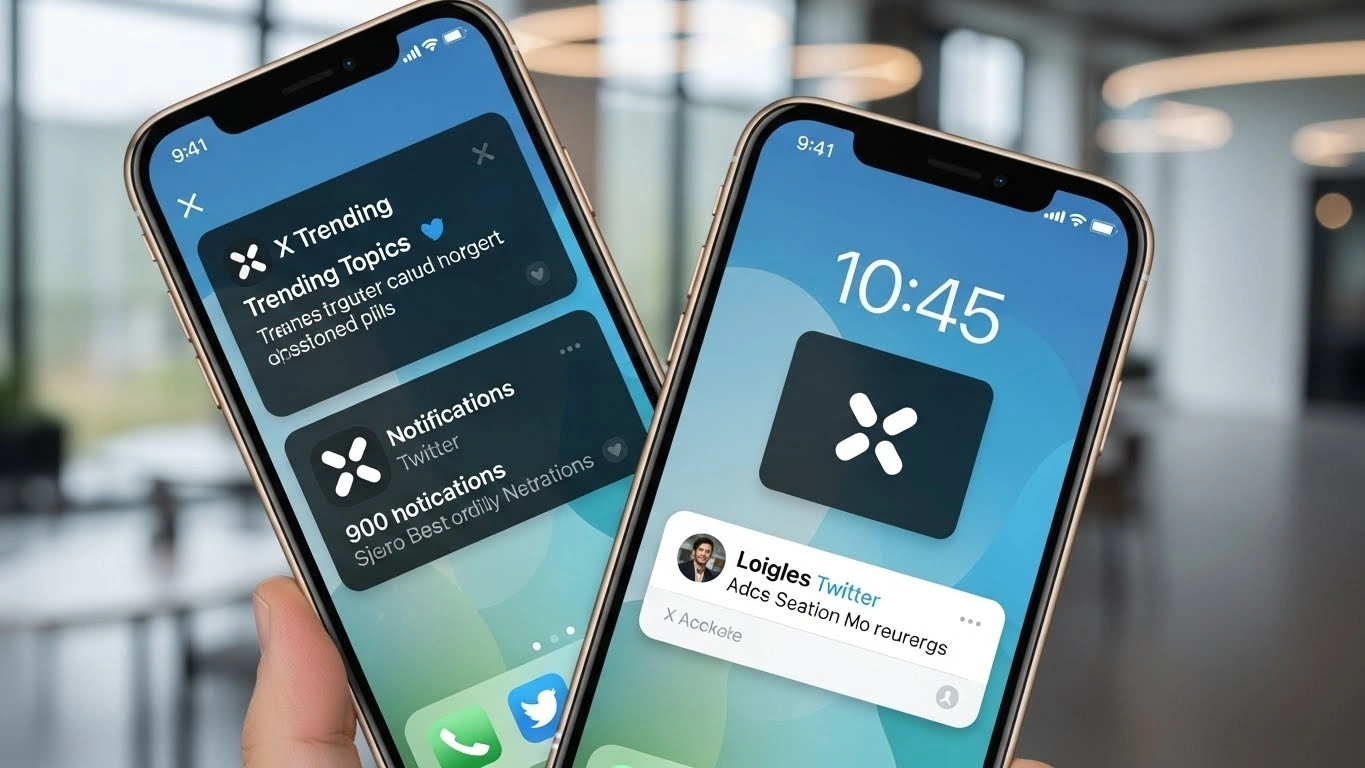

Elon Musk X (formerly known as Twitter) has finally chosen to introduce Home Screen and Lock Screen widgets for iPhone and iPad users. In all the buzz, this integration profoundly improves how users interact with the application’s content without having to open the application.
The new features allow iPhone and iPad users to stay updated with real-time news and personal interactions without ever opening the app.
The Announcement and Rollout
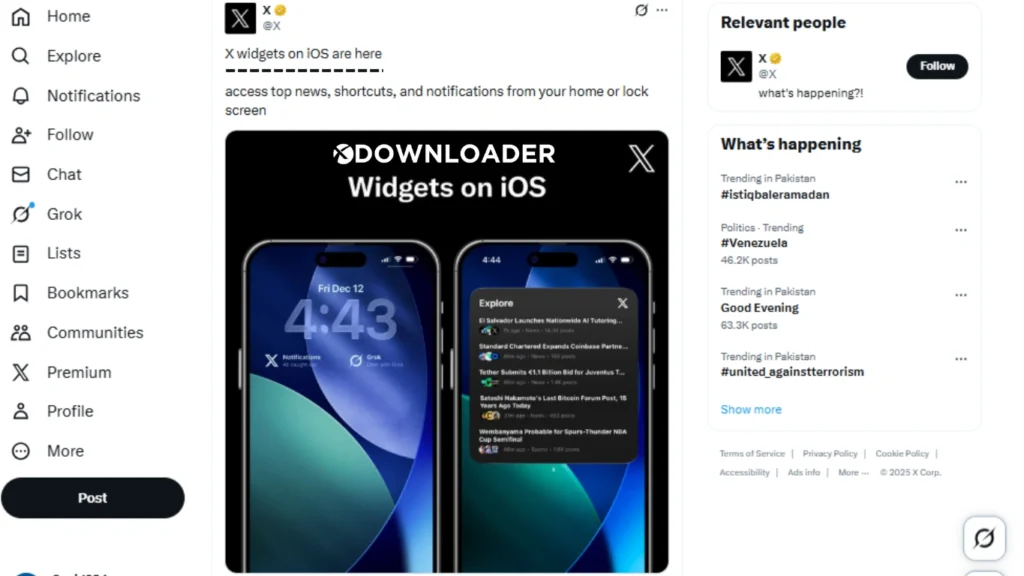
On December 13, 2025, X gave everyone the good news with a post from their official account: “X widgets on iOS are here access top news, shortcuts, and notifications from your home or lock screen.” Many community members were excited after waiting a long time as this post quickly amassed thousands of likes and reposts.
This iOS widgets update brings X to the level of other big apps which have been supporting iOS widgets for several years, improving the integration of the X platform into everyday iPhone routines.
What’s Included in the Widgets?
The rollout starts modestly but focuses on utility:
- Home Screen Widget: To start, X offers one widget of news which can be X News Highlights. This widget shows headlines of news that X shows in real time. Moderately scaled, it allows a user to tap a headline and jump to a discussion in the app. This headlines X’s news features.
- Lock Screen Widgets: These offer more variety and quick-access features:
- X Notifications: Shows your current unread notification count.
- X Messages: Displays the number of unread direct messages in X Chat.
- Grok Chat: A shortcut to instantly start a text conversation with Grok, xAI’s AI chatbot.
- Grok Voice: Quick access to voice interactions with Grok.
All Lock Screen widgets come in smaller and larger variants for customization.
There are still more changes to be made, but there are previews of a more graphical redesign, especially a more systematized notifications page.
A Feature Teased Five Years Ago
Back at WWDC 2020 during the iOS 14 preview, Apple foreshadowed a new feature that included a mock-up home screen video demoing a Twitter widget that displayed trending Tweets. However, the feature never came to life under the old Twitter management.
Much was probably because of the massive Twitter changes, which included leaps in leadership, Elon’s 2022 buyout, paid accounts, new rebranding to “X,” and the integrations of the new AI tool. As it seems, the old Twitter management had other priorities in mind…until now.
Tech outlets now note that, “When Musk took over, he dismantled the legacy verification program, created a paid system, changed the name to X, launched Grok, and even started a people encyclopedia,” before finally delivering the highly anticipated update.
Why It Matters
This update brings multiple benefits for users:
- Faster Access to Content Users can keep up to date with news and alerts without opening the application.
- Personalized Home Screens Users can customize their home and lock screens to be more practical and fit to their needs with different widget sizes and styles.
- Improved Engagement X wishes to keep their audience more connected and productive by delivering personalized, useful information directly to their screens.
How to Add the Widgets
To try them out:
- Update the X app to the latest version.
- Long-press your Home Screen or Lock Screen until widgets appear.
- Search for “X” and select your preferred widget.
Android users have had similar widgets since the early days of Twitter, but no word yet on expanded features there.
Final Thoughts
Better late than never, this update closes a 5-year loop and modernizes the X iOS experience. In the age of real-time information, having X’s pulse directly on your screen could reignite the app’s utility for many users.
Sources: Official X announcement, 9to5Mac, MacRumors, Mint, and other tech reports from mid-December 2025.